Power your next
Minecraft world.
Affordable Minecraft hosting for private worlds, modded adventures and growing communities. Choose your server software, manage settings from the browser and keep full access to your files.
Pick the size that fits your world
Start with a lightweight private server or step up to more dedicated CPU and memory for mods, plugins and more players.
Standard
- 2 GB RAM
- Shared CPU core
- NVMe SSD storage
- Version changer: Vanilla, Paper, Fabric & more
- Server Settings panel
- Integrated file manager
- DDoS protection
Performance
- 4 GB RAM
- 1 vCore
- NVMe SSD storage
- Version changer: Vanilla, Paper, Fabric & more
- Server Settings panel
- Integrated file manager
- DDoS protection
- 1 additional backup
Community
- 8 GB RAM
- 2 vCores
- NVMe SSD storage
- Version changer: Vanilla, Paper, Fabric & more
- Server Settings panel
- Integrated file manager
- DDoS protection
- 2 additional backups


One server, many ways to play
Switch server software when your plans change and keep the tools you need close at hand.
Fast Deployment
Create your server and start configuring your world from the browser.
Change Versions
Move between supported Minecraft server types without rebuilding everything by hand.
DDoS Protection
Protected infrastructure helps keep your Minecraft server reachable.
Full File Access
Upload worlds, plugins, mods and configuration files directly through the panel.
Manage Minecraft without the hassle
Useful Minecraft controls are built into the panel while advanced users still keep direct access to their server files.
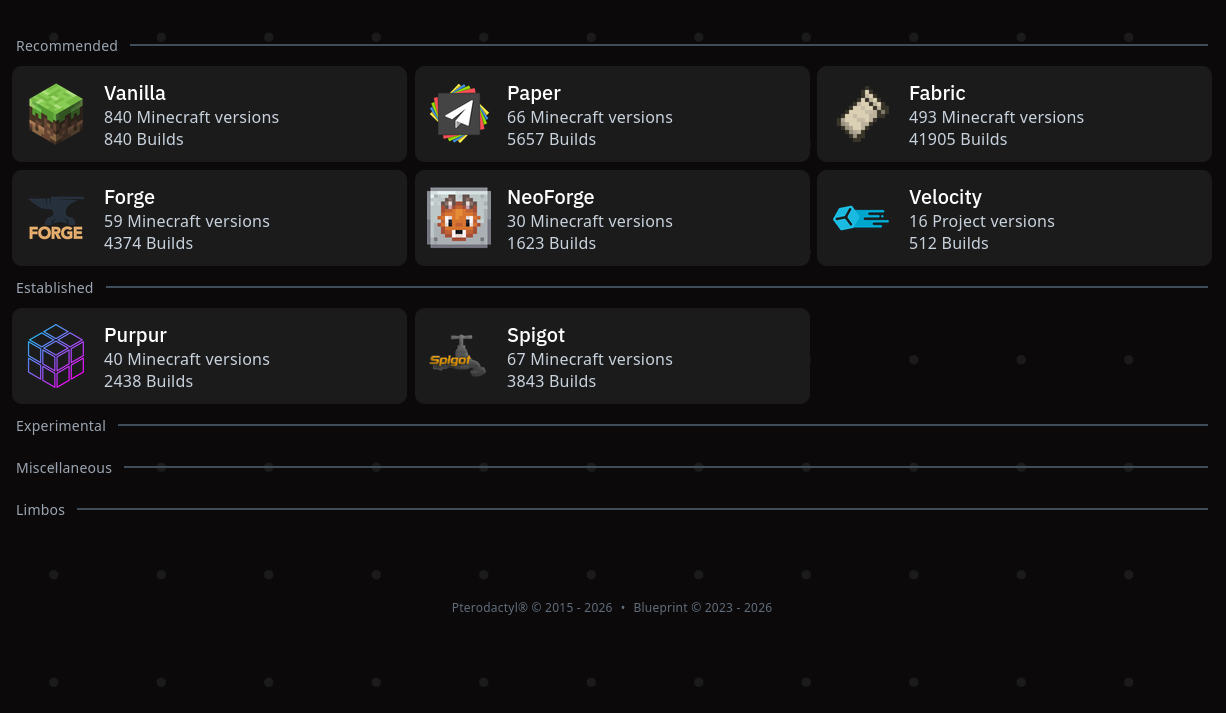
Change your Minecraft server software from the panel
Choose the server type that fits your community. Switch between supported Minecraft software and versions without manually hunting down server JARs.
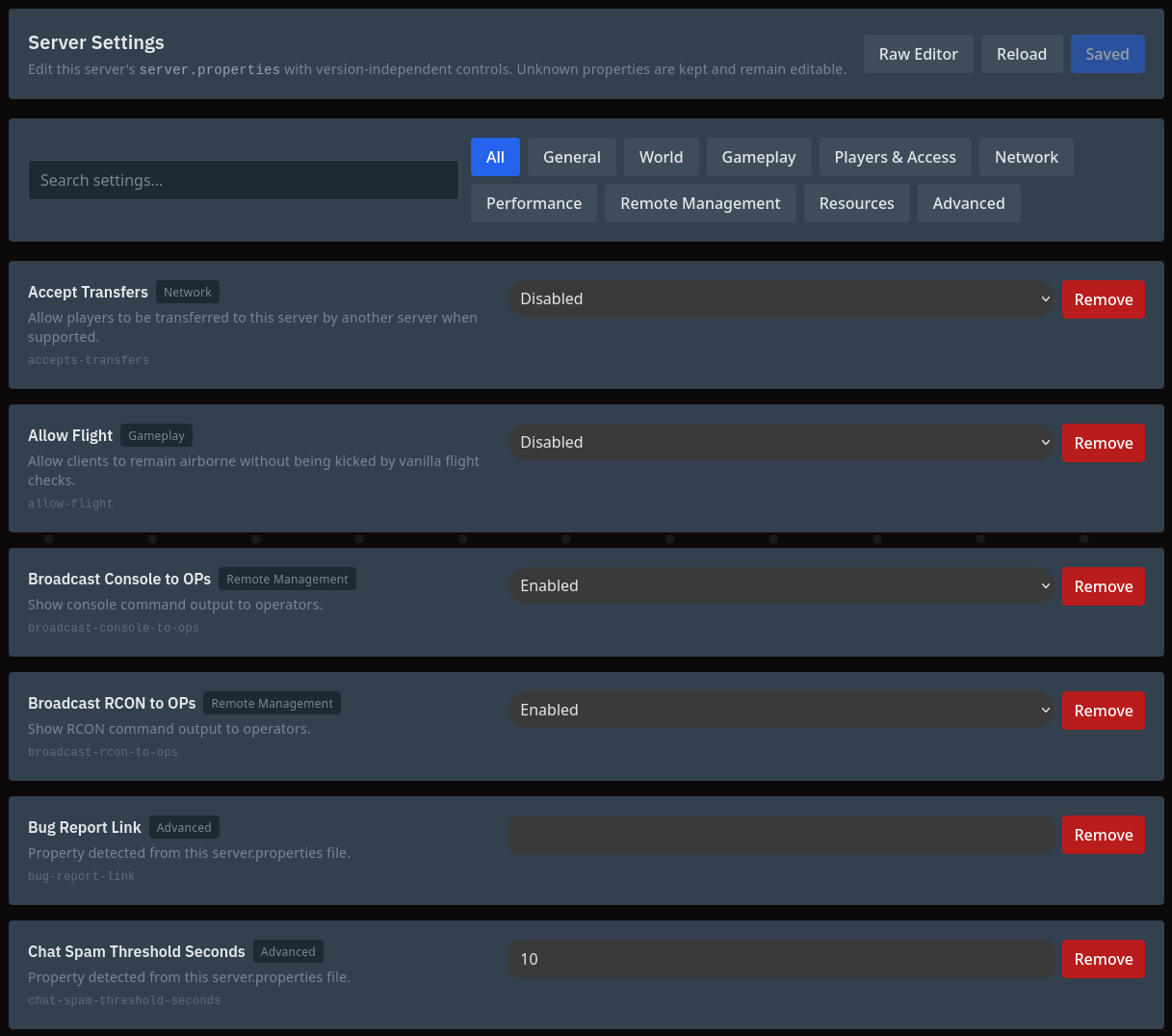
Edit server properties with a clean settings interface
Change common Minecraft settings from an organized interface instead of searching through a long configuration file every time.
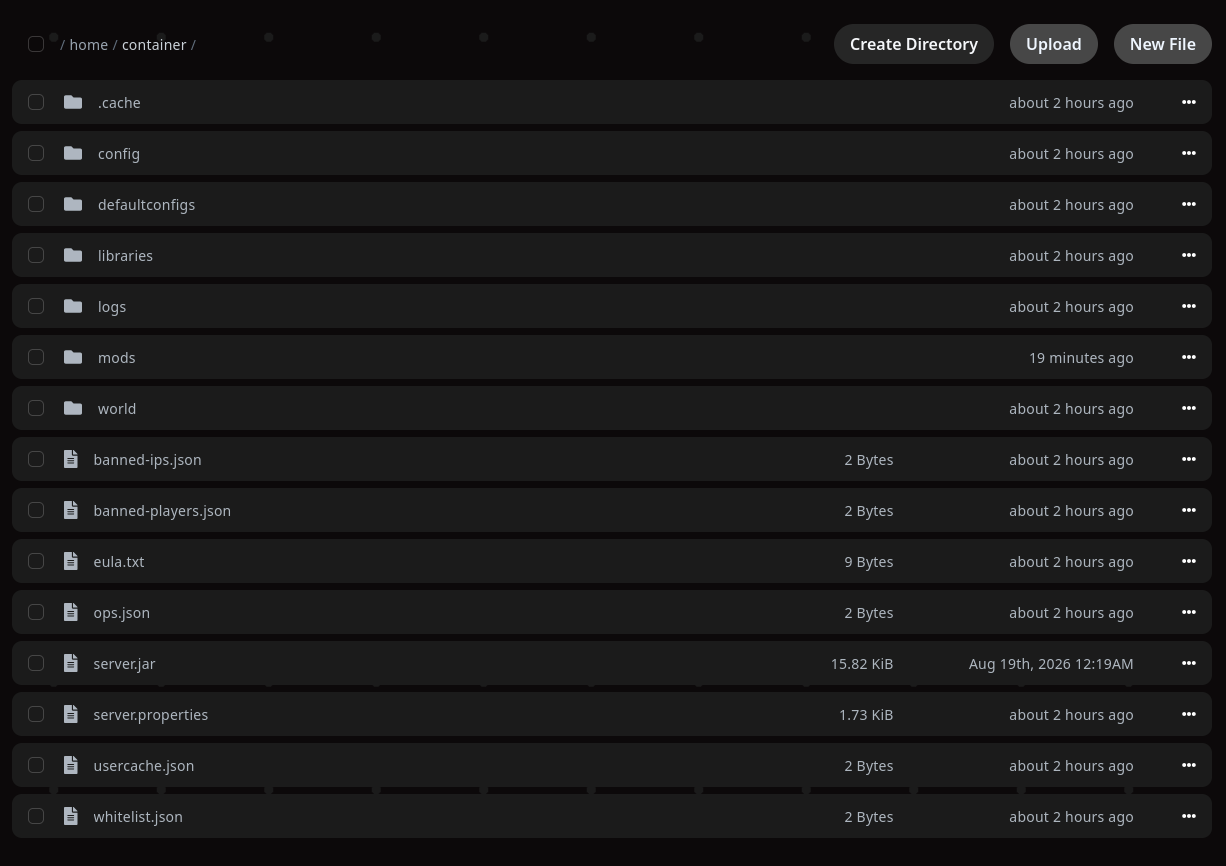
Full access to your Minecraft server files
Upload worlds, mods and plugins, edit configuration files and manage your server directory directly from your browser.
Ready to start your Minecraft server?
Choose a package, select your preferred Minecraft server software and manage everything from the Simspeed control panel.
View Minecraft Packages