Easy to set up.
Great Simspeed.
Space Engineers hosting built for co-op players, heavily modded servers and growing communities. Get powerful hardware, easy setup and full control through our modern management panel.
Choose your universe
From a private survival world with friends to a large modded community server, choose the resources your world needs.
Standard
- 8 GB RAM
- 2 vCores
- NVMe SSD storage
- Torch pre-installed
- Custom Simspeed panel
- Steam Workshop support
- DDoS protection
Performance
- 12 GB RAM
- 3 vCores
- NVMe SSD storage
- Torch pre-installed
- Custom Simspeed panel
- Steam Workshop support
- DDoS protection
- 1 additional backup
Community
- 20 GB RAM
- 4 vCores
- NVMe SSD storage
- Torch pre-installed
- Custom Simspeed panel
- Steam Workshop support
- Large mod collections
- DDoS protection
- 2 additional backups


More than a generic game server
Our hosting environment and control panel are designed around the things Space Engineers server owners actually use.
Fast Hardware
High clock-speed processors and NVMe storage keep simulation performance responsive as your world grows.
DDoS Protection
Network protection helps keep your server reachable when someone decides your base deserves more than missiles.
Torch Ready
Run Torch and manage compatible plugins without building everything manually from scratch.
Quick Deployment
Deploy your server and start configuring your world from the Simspeed control panel.
Your server. Your control.
Manage the most important parts of your Space Engineers server from one clean interface.
Manage your server without the command-line headache
Start, stop and restart your Space Engineers server directly from your browser while keeping an eye on console output and server activity.
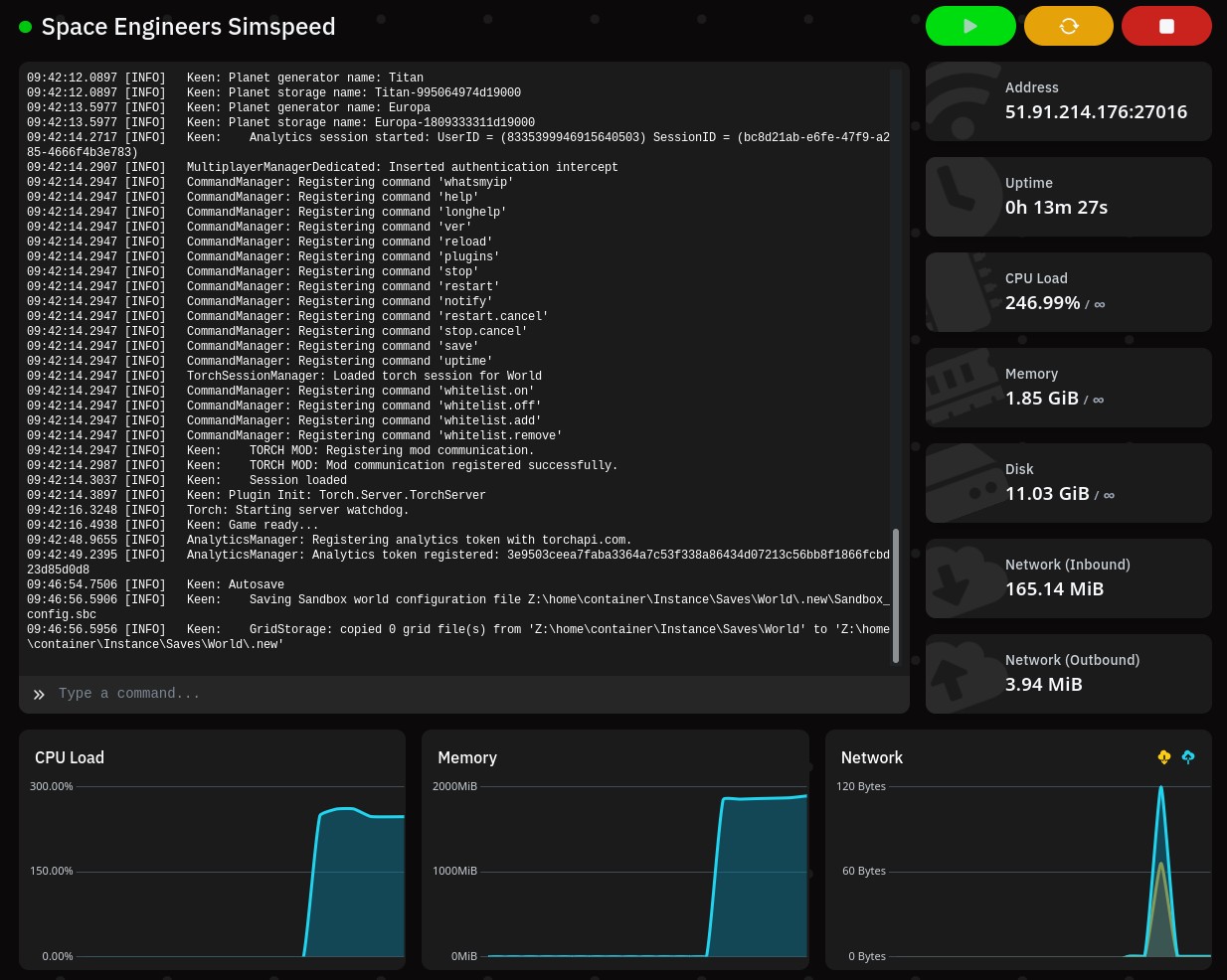
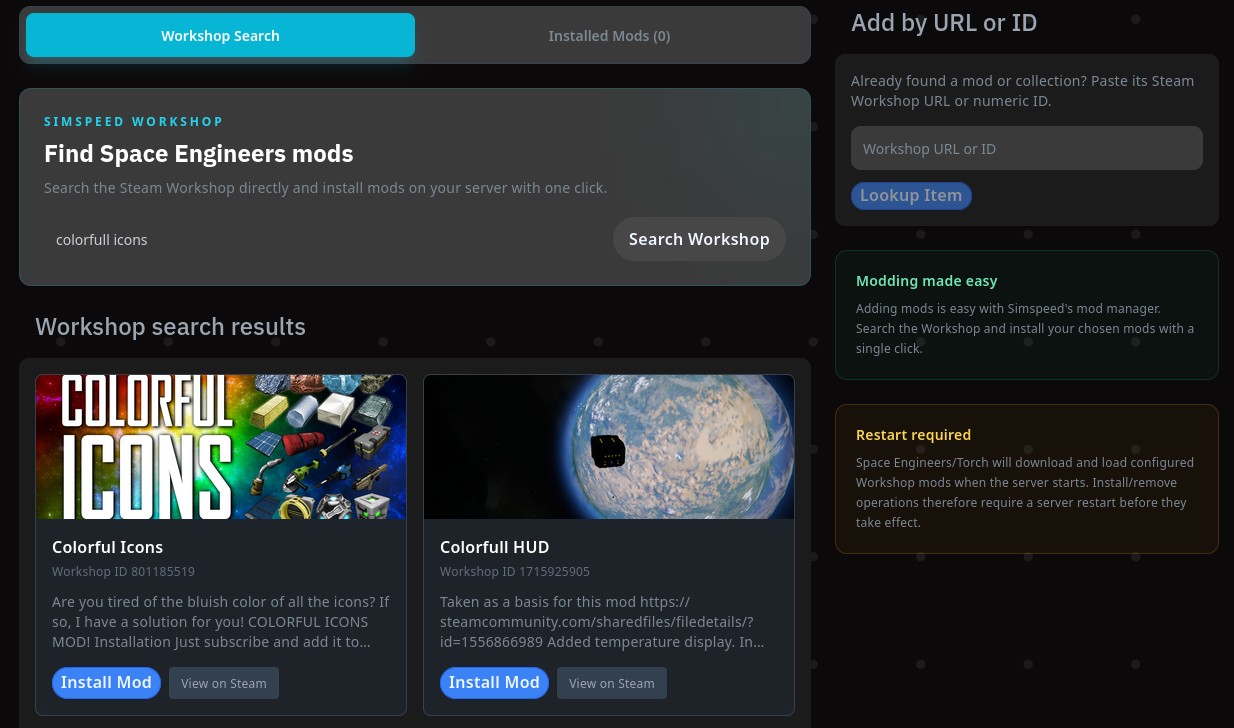
Install Steam Workshop mods with ease
Expand your universe with community-created content. Manage Space Engineers Workshop mods through the server panel instead of manually editing configuration files every time.
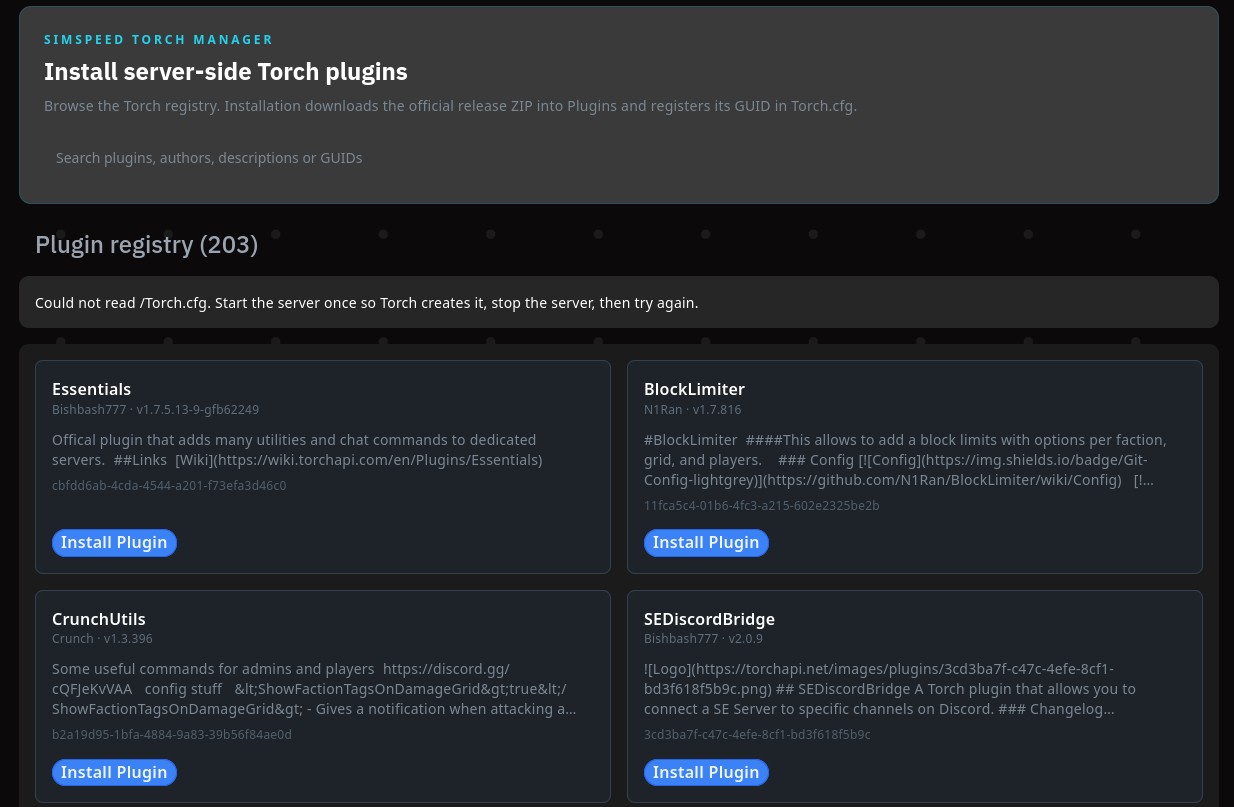
Built-in Torch plugin management
Take your server further with Torch. Install and manage compatible plugins for administration, performance, automation and custom server features.
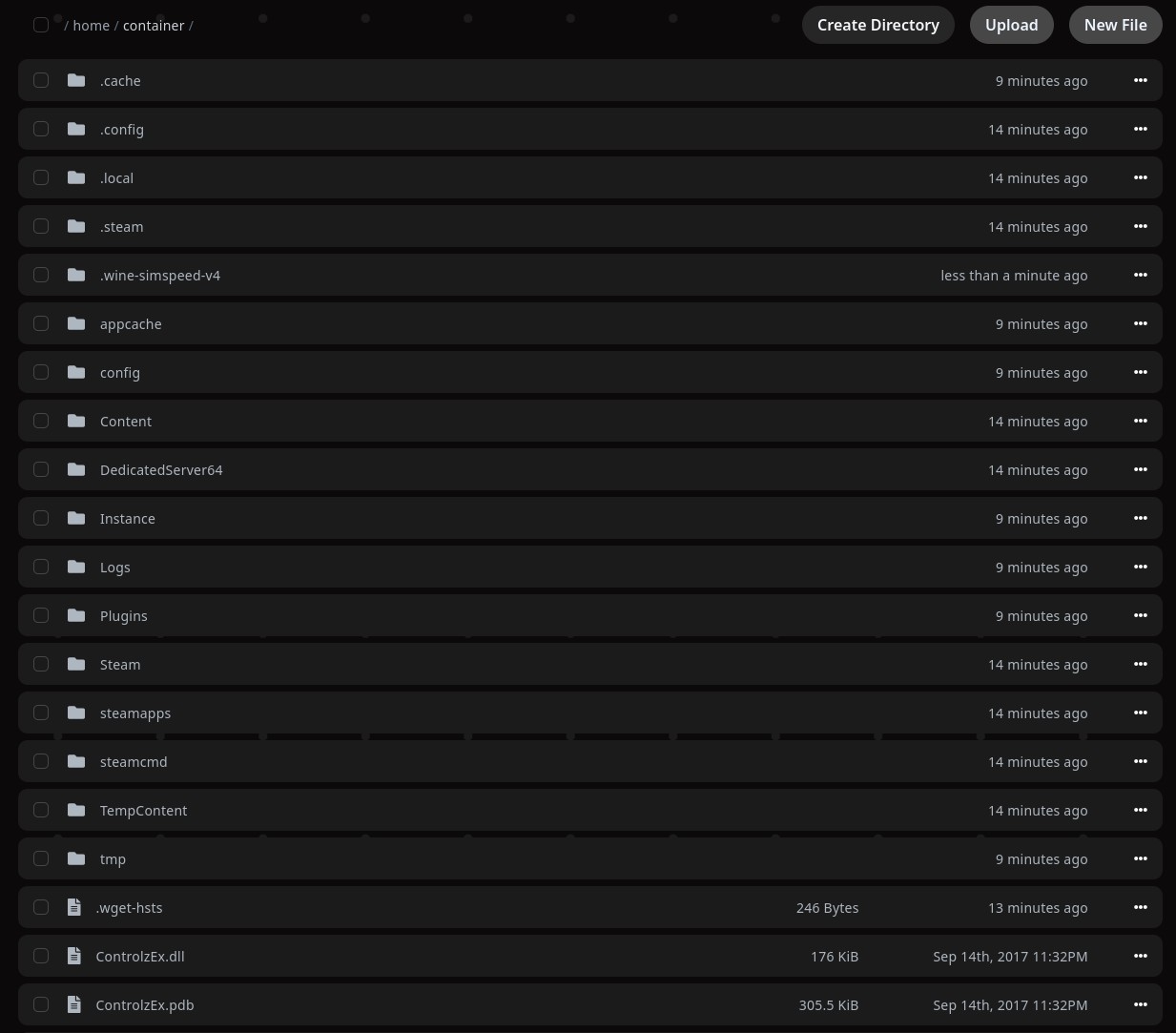
Full access when you need it
Advanced users still get direct access to their server files and configuration. Make detailed changes without being locked into a simplified interface.
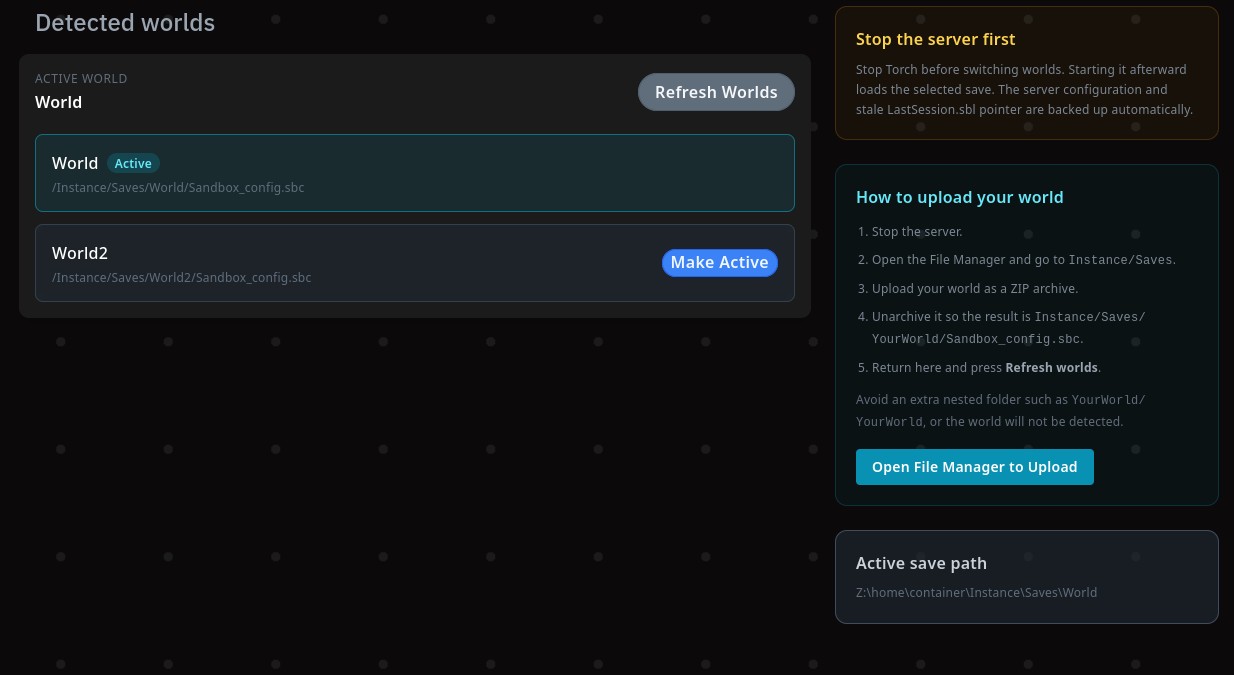
Import and change worlds with ease
Bring an existing Space Engineers world to Simspeed or switch between your saved worlds from the control panel. Upload and extract your world, select it in World Manager, and make it active without manually rewriting server paths.
Ready to build your next world?
Deploy your Space Engineers server with Simspeed and get the performance, control and tools you need to run it your way.
View Server Packages